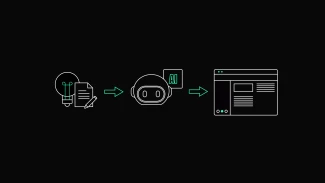
Designing Apps Where People and AI Work Together


AI is no longer a futuristic experiment hidden in research labs. It’s rapidly becoming the foundation of the tools we use every day. From customer support platforms to complex healthcare dashboards, we’re seeing AI transition from a "cool feature" to a standard expectation in modern digital products. For most product teams, the question is no longer whether to include AI, but how to do it in a way that feels like a natural part of the workflow.
However, adding AI to an application brings a fresh set of UX challenges that many teams aren't prepared for. It’s easy to get caught up in what technology can do while forgetting the human on the other side of the screen. This technical-first mindset often leads to products that feel unpredictable or even intimidating. Great AI UX isn’t about making an app look like a sci-fi movie. It’s about helping users work smarter and stay in the zone without having to guess what the system is thinking.
Empower, Don’t Replace
One of the biggest traps in AI product design is the rush to automate everything at once. While total automation sounds efficient on paper, most people aren't looking for a tool that replaces them. Instead, they want a reliable partner that handles heavy lifting, saves time on repetitive tasks, and simplifies complex data while still leaving the final decision in their hands.
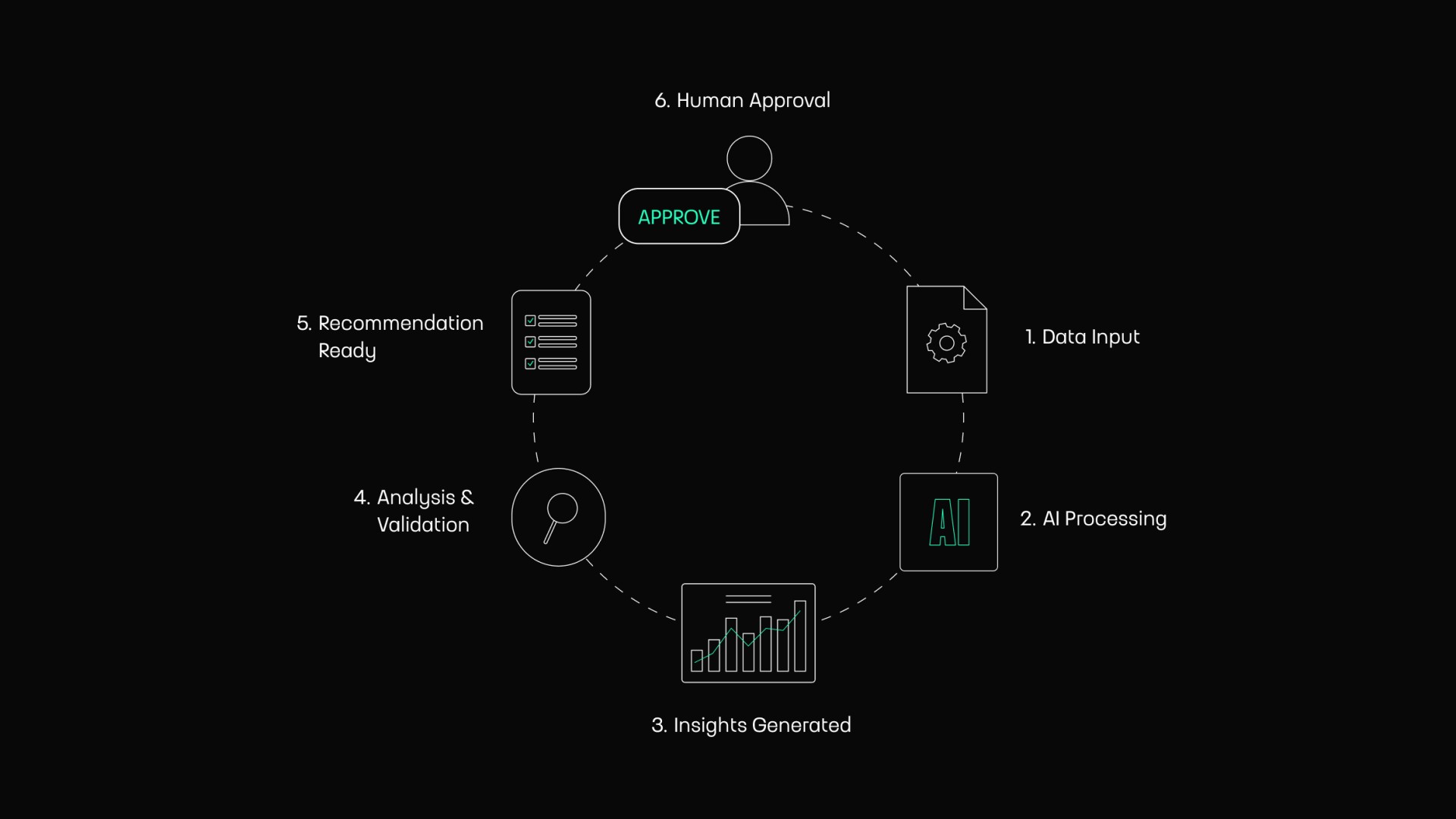
This is especially critical in enterprise software, where decisions have real-world consequences. A doctor might appreciate AI-generated insights, but they still need to verify medical recommendations. Similarly, a financial analyst wants to validate a prediction before presenting it to a client. The goal isn’t to take the human out of the loop. The goal is to create a seamless collaboration in which the AI serves as a powerful assistant, not a replacement.
Clarity Over Complexity
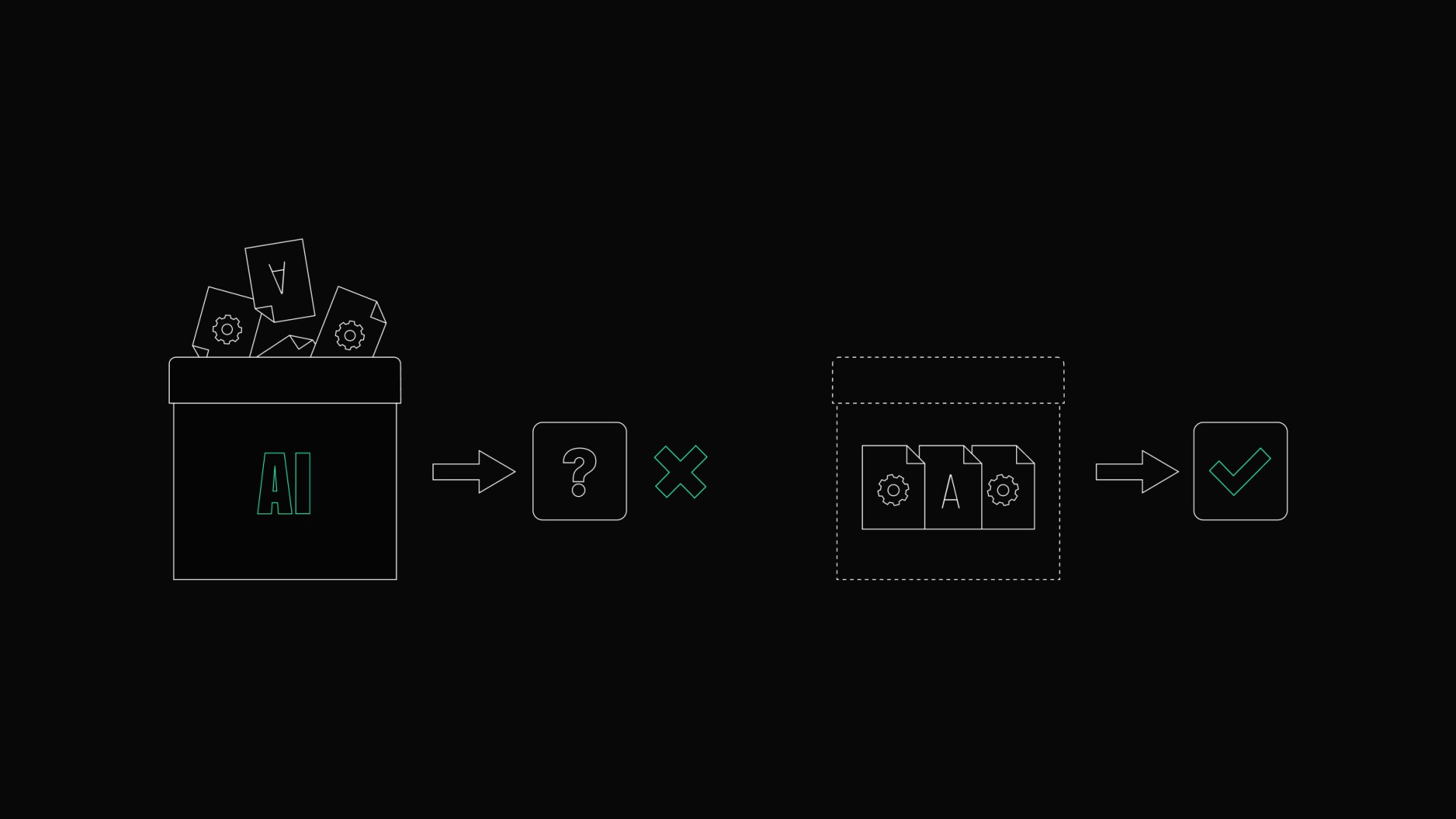
Many AI-powered products fail because they feel like a “black box”. When users don't understand how a system arrives at a certain result, they naturally become skeptical. You don't need to provide a deep dive into language models to fix this. Often, all users need is a bit of context to feel comfortable and confident while using the product.
Instead of a generic message like “AI recommendation generated,” try to be more transparent. A simple note explaining that a suggestion is based on “last month’s sales trends” or “frequently bought items” can make a world of difference. These small touches remove the mystery and make the entire experience feel more honest, transparent, and easier to trust.
Keeping Users in Control
Maintaining user control is a fundamental rule that shouldn't be broken, especially in high-stakes industries like logistics or cybersecurity. AI should never make critical decisions silently in the background. If a system changes data or triggers an automated process without a clear signal, it doesn't feel smart. It feels broken.
Building trust requires clear communication and reliable safety nets. Features like approval steps, editable outputs, and easy undo options might seem basic, but they are the foundation of a strong AI experience. They give users the confidence to experiment with the tool, knowing they can always step in and correct the course if the AI misses the mark.
Why Trust Matters More Than Speed
We often hear that AI is all about speed, but speed without trust is useless. If users feel the need to manually double-check every output the AI produces, then the product is not actually saving them time. In many cases, it simply adds another layer of stress and uncertainty to their workflow.
Real trust comes from consistency and honesty about limitations. Sometimes, the best UX decision is admitting when the system isn't fully confident about a result. Messages like “Low confidence detected” or “Please review before submitting” do not make the AI look weak. In fact, they make the product feel more reliable because it is honest about what it can and cannot do.
Designing for Real Problems, Not Trends
It’s tempting to bring AI features everywhere just because it’s the trend of the year. But cluttering an interface with chatbots, smart summaries, and endless automated suggestions often backfires, leading to mental exhaustion instead of a better experience. Before adding any new AI functionality, teams should ask a very simple question. Does this actually solve a real user problem?
Good AI UX is about reducing complexity, not adding to it. If a feature doesn't clearly save time, reduce manual effort, or help someone make better decisions, it probably shouldn't exist in the product at all. Users rarely care how advanced technology is behind the scenes. They care about getting their work done quickly, clearly, and with as little friction as possible.
The Human Side of Technology
As we look toward the future, the most successful AI products won't be defined by the most powerful models or the longest feature lists. The products that stand out will be the ones that feel practical, approachable, and genuinely useful in everyday work. In many cases, usability and trust will matter more than technology itself.
Designing for AI is a huge opportunity for UX teams to bridge the gap between complex systems and real human needs. The companies that focus on usability and trust instead of chasing AI hype will build products people actually want to use. Because the best technology is not the one that feels smartest. It’s the one that makes users feel empowered.